Getting Started
Wiring Guides & Controller Settings
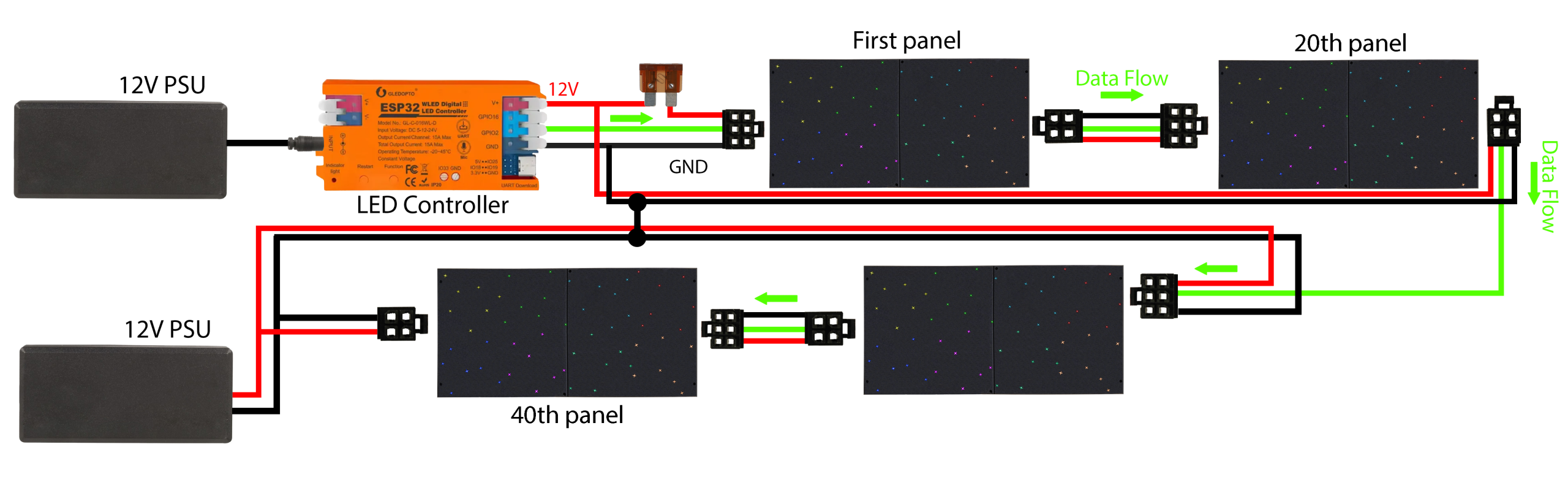
Power Distribution
PSU #1: Powers the controller and the first 30 panels.
PSU #2: Power Injector: For panels 31–60, plug a second 12V power supply into the power injector after panel 30.
More panels? Just repeat: every 30 panels add another power injector with its own 12V power supply.
The data cable runs straight through; injectors only add power.
Data Connection
Controller → Panel 1 (labeled plug):
- Follow the labels on the wires power link cables to correctly insert them into the controller.
Panel → Panel:
Daisy chain the panels with the link cables. Plug 6-pin to 6-pin for the DATA IN connection. Plug 4-pin to 4-pin for the DATA OUT connection.
At a Power Injector (every 30 panels):
Continue linking the panels to the power injectors, no need to split. Power injector boosts the power.
Controller Setup (Web/App Interface)
In the WLED App/Web UI:
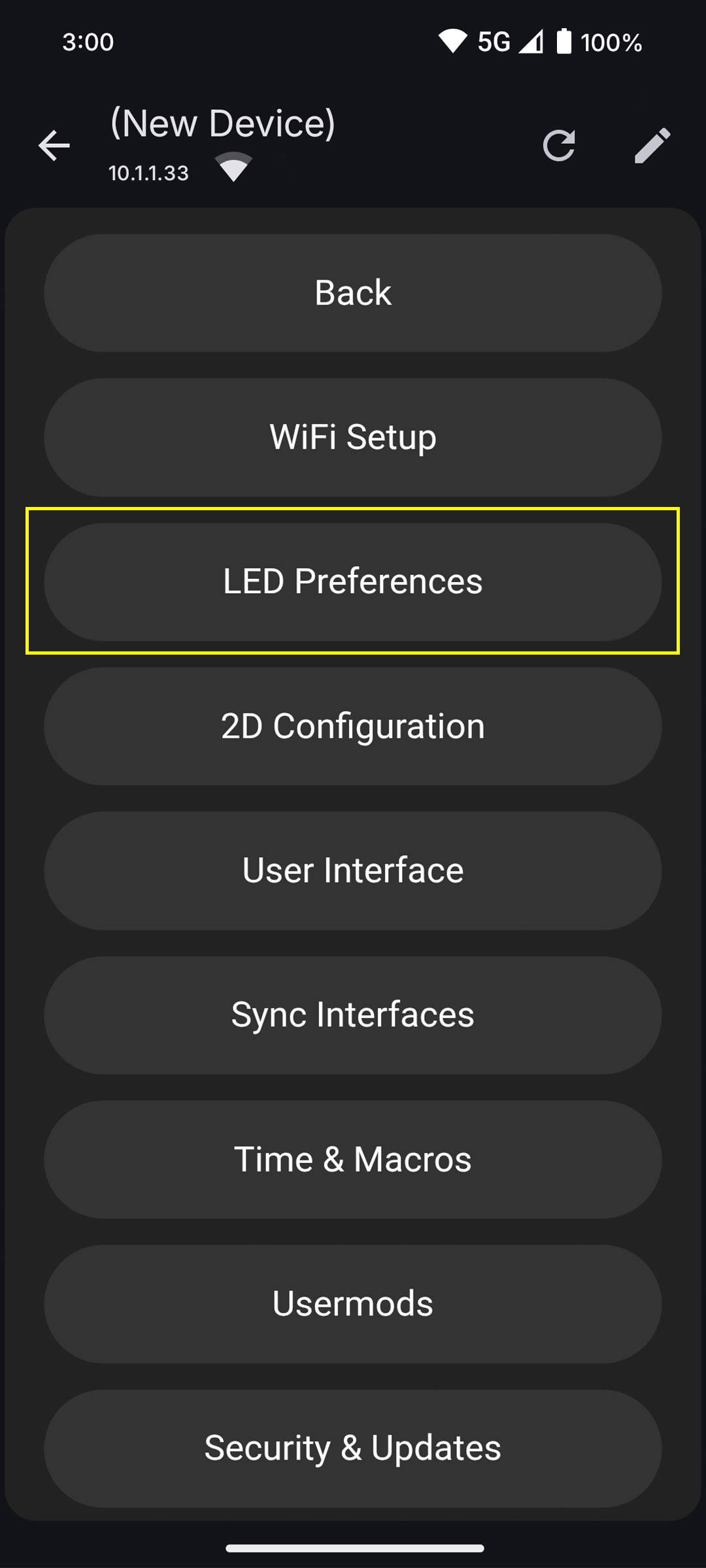
Go to Config (gear icon) → LED Preferences → Hardware Setup → LED Outputs.
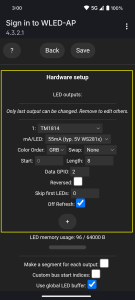
Configure Output #1:
Chipset = TM1814 (StarEFX Panels)
Data GPIO = 2
Set LED length:
- Length = 2 (LEDs per panel) x (Number of panels)
Enter this value under Output #1 → Length.
Segments Check
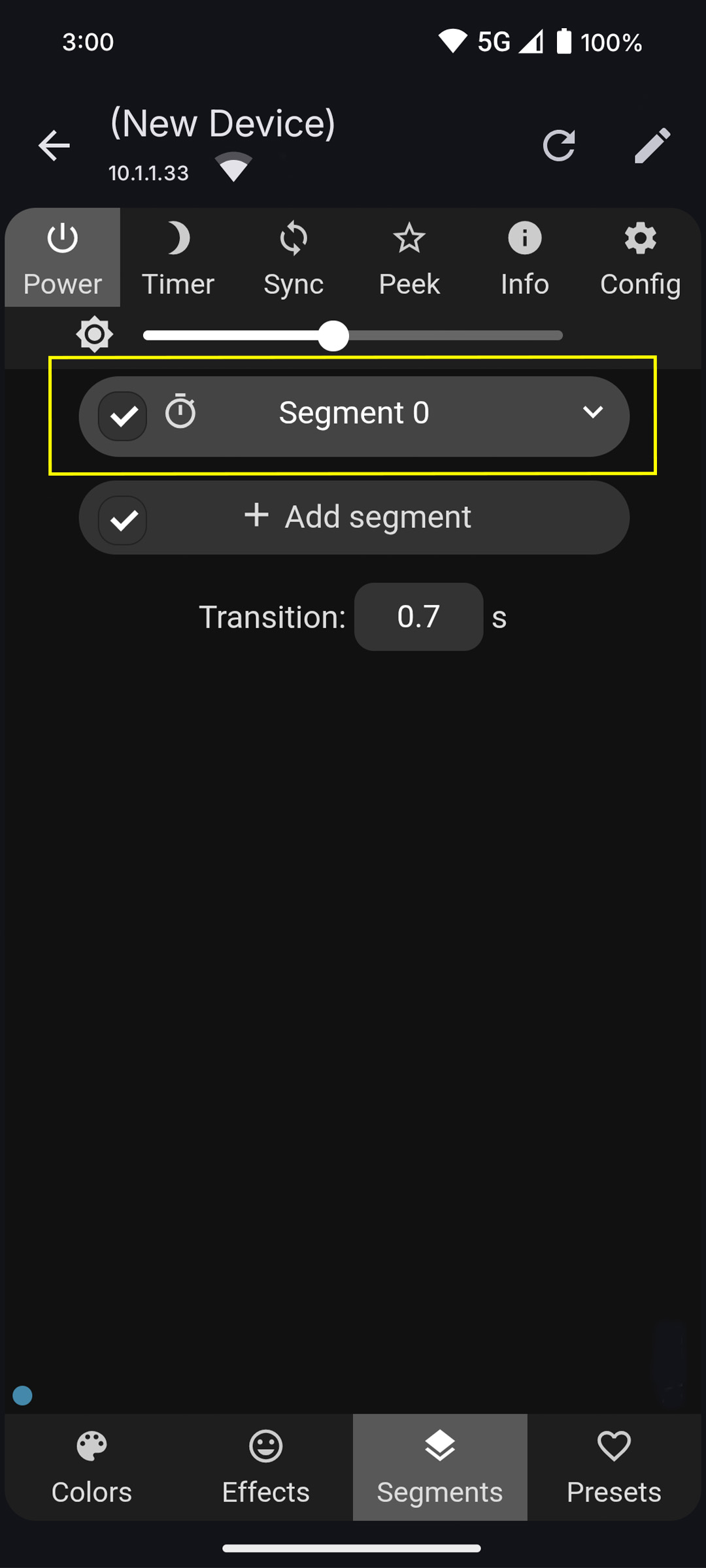
Segments → Segment 0:
- Start LED = 0
- Stop LED = Led length entered in LED preferences (No. of LEDs per panel × No. of panels)
- After entering the LED length, click the checkmark to save.
If some panels don’t light up, check that the Stop value matches your LED count.
Power Distribution
PSU #1: Powers the controller and the first 10 panels.
PSU #2: Power Injector: For panels 11–20, plug a second 12V power supply into the power injector after panel 10.
More panels? Just repeat: every 10 panels add another power injector with its own 12V power supply.
The data cable runs straight through; injectors only add power.
Data Connection
Controller → Panel 1 (labeled plug):
- Follow the labels on the wires power link cables to correctly insert them into the controller.
Panel → Panel:
Daisy chain the panels with the link cables. Plug 6-pin to 6-pin for the DATA IN connection. Plug 4-pin to 4-pin for the DATA OUT connection.
At a Power Injector (every 30 panels):
Continue linking the panels to the power injectors, no need to split. Power injector boosts the power.
Controller Setup (Web/App Interface)
In the WLED App/Web UI:
Go to Config (gear icon) → LED Preferences → Hardware Setup → LED Outputs.
Configure Output #1:
Chipset = TM1814 (StarEFX Panels)
Data GPIO = 2
Set LED length:
Length = 8 (LEDs per panel) x (Number of panels)
Enter this value under Output #1 → Length.
Segments Check
Segments → Segment 0:
- Start LED = 0
- Stop LED = Led length entered in LED preferences (No. of LEDs per panel × No. of panels)
- After entering the LED length, click the checkmark to save.
If some panels don’t light up, check that the Stop value matches your LED count.